Windows 11 Home License: Modern, Intuitive design that’s easy to navigate.
This deal gives you lifetime access starting at $19.99 instead of $199.
Best for
Remote and hybrid work setups with flexible access options.
Modern, Intuitive design that’s easy to navigate
Windows 11 Home License: Modern, Intuitive design that’s easy to navigate.
This deal gives you lifetime access starting at $19.99 instead of $199.
Remote and hybrid work setups with flexible access options.
Every plan is a lifetime license with updates included and a money-back guarantee.
After checkout on DealMirror you receive a code to redeem on the Windows 11 Home License website. Codes must be redeemed within 60 days of purchase.
Yes. You pay once and keep lifetime access to the plan you choose, with no monthly or yearly fees.
DealMirror offers a 30-day refund window on this deal.
A Windows Key, also known as a product key, is a unique 25-character code that is used to activate and validate a copy of Windows on a device. It ensures that your installation is genuine and not pirated.
Windows Home Key: Designed for general home users, this key activates Windows Home, which offers essential features for everyday use, such as web browsing, media consumption, and casual gaming. Windows Pro Key: Designed for business and professional environments, this key activates Windows Pro, which includes advanced features for management, security, and networking, such as BitLocker encryption, Domain Join, Remote Desktop, and Group Policy Management.
Retail Keys: Yes, you can transfer and reuse a retail key on a new device, provided it’s no longer active on the old one.
Go to Settings > Update & Security > Activation, and enter your 25-character key. Windows will validate it and activate the system.
Windows 10 Key: Can be used to activate Windows 10 only. Windows 11 Key: Can be used to activate Windows 11 only. However, if you are eligible for a free upgrade, you can upgrade from Windows 10 to Windows 11 using your existing Windows 10 key. Windows 10 Key: Can be used to activate Windows 10 only. Windows 11 Key: Can be used to activate Windows 11 only. However, if you are eligible for a free upgrade, you can upgrade from Windows 10 to Windows 11 using your existing Windows 10 key.
If your Windows key is valid, it will activate your system without issues. If the activation fails, Microsoft will notify you with an error code indicating that the key might be invalid or already in use.
Yes, you can upgrade your current Windows version (e.g., from Home to Pro) using the appropriate key.
Go to Settings > Update & Security > Activation. If Windows is activated, you will see “Windows is activated with a digital license.
You may also like
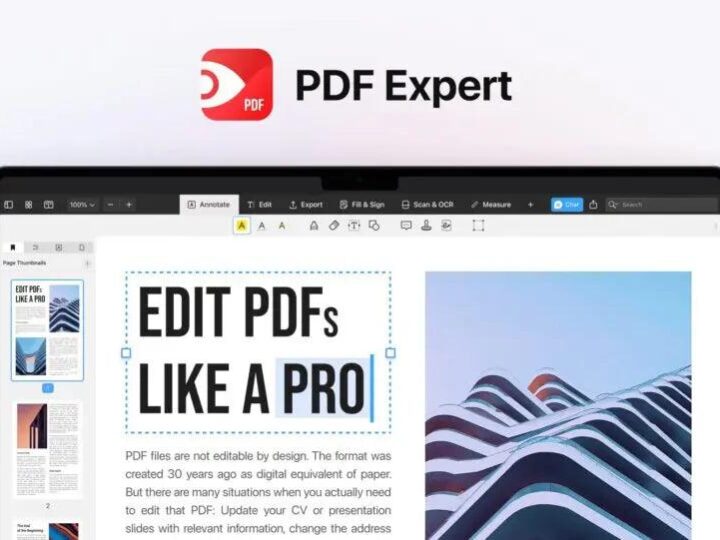
A fast, Mac-native PDF editor to edit, annotate, organize, convert, fill and OCR documents.


No reviews yet. Be the first to review this deal.